

Reviewed by
Jarrett Dottin
Licensed Occupational Therapist dedicated to helping others live their best lives. Certified lymphedema therapist and amazon affiliate who has tested over 1,000 different products. About JD →
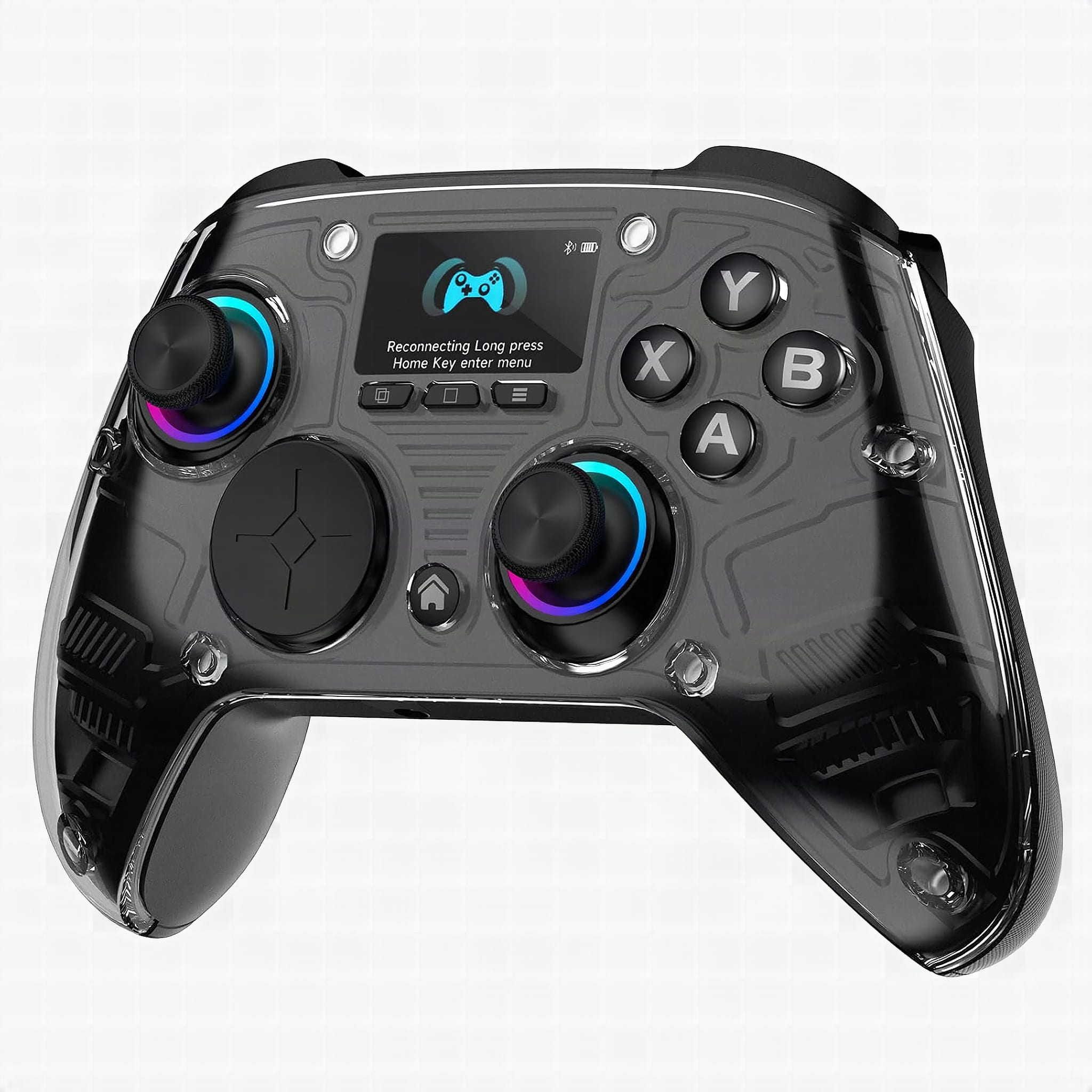
The AOC GC310 is worth buying if you game across PC, Switch 2, Steam Deck, PS4 and your phone and want one pad for all of it. The controller interactive screen handles RGB, vibration, trigger modes and remapping with zero software. Buy it, unless you need Xbox or PS5 support.
As an Amazon Associate I earn from qualifying purchases. Some links on this site are affiliate links, if you buy though them I may make a commission at no extra cost to you.
How this review was made: written from my own video review of this product. Every opinion here is my own, from using it myself.
Quick Verdict
One pad, six platforms, and a 1.5-inch screen that replaces the usual driver hunt. Hall effect sticks and triggers mean drift isn’t part of the deal. The catch is a big one: no Xbox, no PS5.
Buy if you:
- bounce between a PC desk setup, a Switch 2 on the couch, and Genshin on your phone
- hate installing a companion app and making an account just to change RGB
- play FPS and racing sims and want the 3mm and 7mm trigger depths
- want 4 back paddles with macro recording for RPG rotations
Skip if you:
- game on Xbox or PS5, because this one flat out won’t pair with either
- want a feather-light pad, since the 1000mAh battery and screen add bulk up front
- prefer deep PC-side software profiles over on-controller menus
Clicking takes you to Amazon. As an Amazon Associate we earn from qualifying purchases — pricing and availability subject to change.
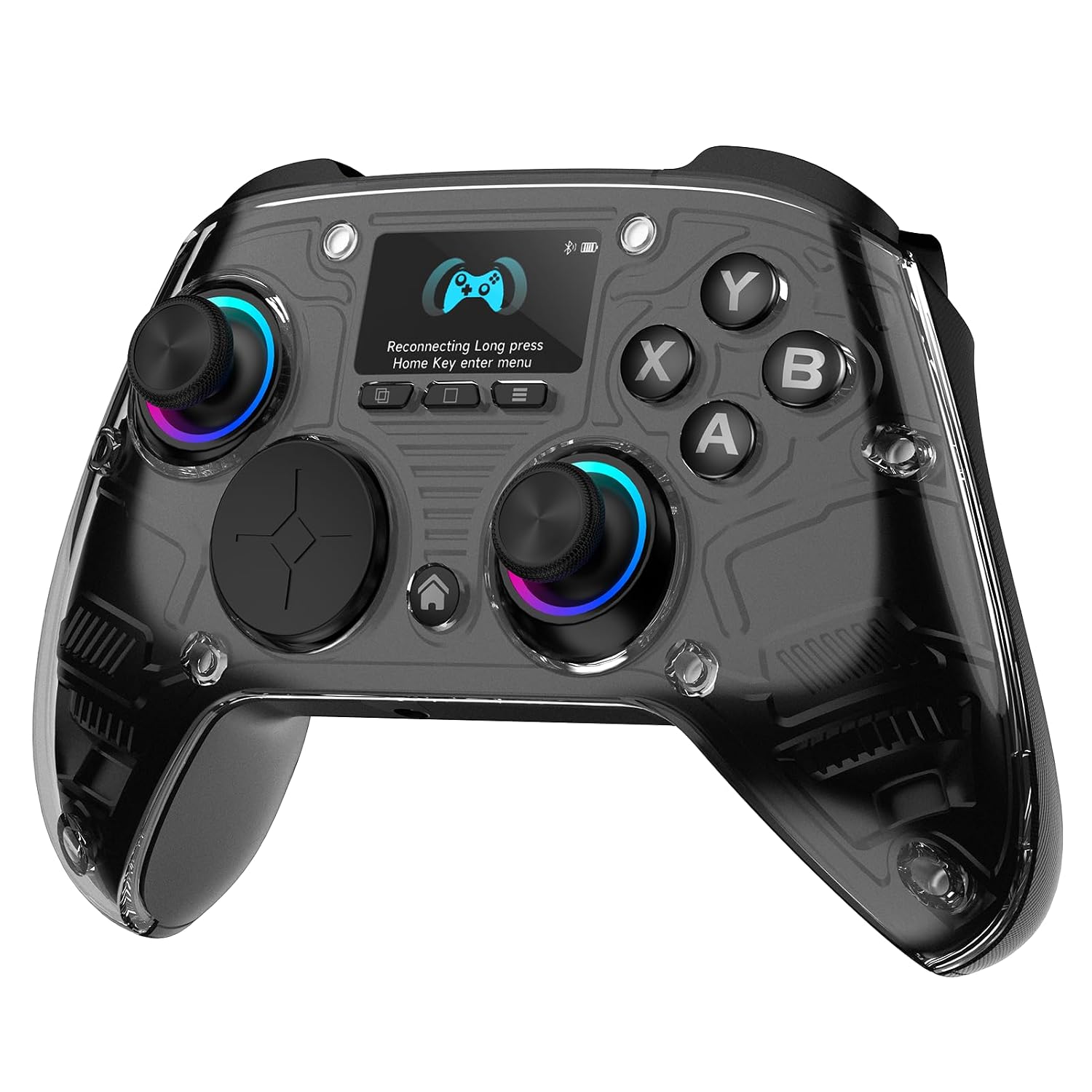
| Display | 1.5-inch interactive screen, no software needed |
|---|---|
| Connectivity | Bluetooth / 2.4G / wired (triple mode) |
| Sticks & triggers | Hall effect, dual trigger depth (7mm / 3mm) |
| Battery | 1000mAh |
| Platforms | Windows PC, Switch 2, Steam Deck, PS4, iOS, Android |
| Extras | 4 programmable back paddles, macros, turbo, RGB |
A Monitor Company Built a Gamepad
AOC is a monitor brand. That’s the first thing that caught me about the GC310, and it’s the thing I kept coming back to while I showed it off in the video. The little round screen sitting dead center in the grip is the whole pitch here. You tap it and you’re changing RGB, vibration, trigger mode and button mapping right on the pad. No download, no account, no driver hunt.
Plug into Windows and Steam recognizes it immediately, no driver page, no restart, no account creation. For a feature that sounds minor, it’s the one you’ll notice every single time you sit down.
Where a Controller Interactive Screen Fits in a Crowded Shelf
Most third-party pads pick one lane: Switch pro controller clone, or PC pad, or phone clip. This one goes for six platforms off a single device. Windows, Nintendo Switch 2, Steam Deck, PS4, iOS and Android, through Bluetooth, 2.4G or wired.
The competition it’s aimed at is clear enough. Hall effect sticks and triggers are the premium-pad feature right now, and they’re here. The 8BitDo and GuliKit style pads that popularized Hall sticks still lean on a PC app or a button combo for configuration. AOC moved that to the screen. That’s the differentiator. If you’ve ever spent 20 minutes debugging a Bluetooth gamepad app instead of playing, you care. That’s the person AOC built this for.
Where it undercuts itself is coverage. Six platforms sounds like everything until you notice the two missing names.
No Xbox. No PS5. Read That Twice.
This isn’t an interactive controller Xbox owners can use. Neither can PS5 owners. The listing says it plainly, and it’s the single biggest limitation on the pad.
It’s not a firmware thing you can work around either. Both of those consoles lock out unlicensed pads at the hardware authentication level. PS4 is supported, PS5 isn’t, which is the kind of distinction that gets missed in a quick scroll through a product page. If your living room runs on a Series X, this is the wrong purchase and no amount of Hall effect precision changes that.
Also worth knowing before you order: a pad doing six platforms means mode switching is part of daily life. You will be learning which mode goes with which device.
Why Hall Effect Matters for the Long Haul
Stick drift is what kills controllers, not drops. Traditional potentiometer sticks wear through a physical contact surface, and eventually your character wanders left while you’re standing still. Magnetic Hall effect sticks have no contact between the moving parts, so there’s nothing in there to grind down. Drift is designed out rather than warrantied around.
The GC310 applies that to the triggers too, which is less common. Dual Hall triggers give you two depths: 7mm for a racing sim throttle where you want a long analog pull, and 3mm for FPS where you want the shot to register the instant you squeeze. You swap between them on the screen.
That 3mm setting is the one I’d leave on for Apex or anything competitive. The 7mm mode is for Forza on the Steam Deck or Mario Kart on the Switch 2, where modulating the pedal is half the skill. Two pads’ worth of behavior in one shell.
The parts that will age are the ones every controller shares. Rubber grip texture, the paddle switches on the back, and the 1000mAh battery, which like any lithium cell holds less charge in year three than it did in week one. Hall sticks remove the usual failure point, not all of them.
The First Hour: Plug In, Tap Screen, Go
Charge it first. That’s the step people skip, and a 1000mAh cell shipped from a warehouse isn’t arriving full.
After that the setup is short by controller standards. Wired into a Windows machine it’s plug-and-play. The 2.4G dongle is the mode I’d use at a desk for the lower latency, Bluetooth for the phone and the couch. Everything else lives on that 1.5-inch display: lighting, rumble strength, trigger depth, remapping, turbo. Go ahead and tap through the menus once before your first session so you know where each setting sits, because learning a menu tree mid-match is its own kind of frustration.
The 4 back paddles record macros, which is where I’d spend the most setup time. Mapping a rotation to a paddle for an RPG is the sort of thing that changes how a game feels.
What Ownership Costs After Checkout
Nothing recurring. No subscription, no account, no cloud profile, because the configuration never leaves the controller.
Maintenance is basic. Wipe the grips and the screen with a dry microfiber, keep crumbs out of the stick wells, and don’t store it at a dead battery for months. The 2.4G dongle is the piece most likely to go missing, so keep it in the same drawer as the cable.
Who Should Hand Over the Money
Multi-platform PC gamers, straight up. If your library is spread across a Windows rig, a Steam Deck, a Switch 2 and a phone, you’re currently either buying a pad per device or fighting with one that half-works everywhere. This solves the version of that problem it actually covers.
It also suits anyone who’s burned out on companion apps. Putting RGB and remapping behind an on-device screen instead of a PC utility is the right call, and it’s the feature I’d buy this for.
Xbox and PS5 households should look elsewhere, no debate. And if you want the lightest possible pad for long sessions, a screen plus a 1000mAh battery is weight you’re carrying. If your setup hits even three of those six platforms, the GC310 pays for itself in the pads you stop buying separately. That’s the buy.
Frequently Asked Questions
Does it work on Switch 2 or only the original Switch?
Switch 2 is listed as supported. AOC specifically names Nintendo Switch 2 among the six platforms, and positions the pad as a Switch pro controller alternative. If you’re on an older Switch, confirm on the product page before ordering rather than assuming backward coverage.
Can I use it on an iPhone without a clip or mount?
Yes, it pairs to iOS over Bluetooth with no accessory required. You just end up holding the pad and propping the phone separately, which is fine on a table and awkward on a couch. A separate phone clip is a cheap add-on if you play mobile often.
Will the macros carry over when I switch platforms?
They should, because the mapping is stored on the controller itself rather than in PC software. That’s the practical upside of the no-driver design. Worth testing with one paddle before you build out an entire macro set.
What usually fails first on a controller like this?
Historically the sticks, which is the problem Hall effect sensors remove. That shifts the likely failure to the battery and the mechanical back paddle switches. Keep the pad off a permanent charge and you’ll get more years out of the 1000mAh cell.
Get it now
AOC GC310 Wireless Controller
Get the best price on Amazon →Affiliate link. See the disclosure at the top of this post.

About the reviewer
Jarrett Dottin
Licensed Occupational Therapist dedicated to helping others live their best lives. Certified lymphedema therapist and amazon affiliate who has tested over 1,000 different products.