
Reviewed by
Jarrett Dottin
Licensed Occupational Therapist dedicated to helping others live their best lives. Certified lymphedema therapist and amazon affiliate who has tested over 1,000 different products. About JD →
As an Amazon Associate I earn from qualifying purchases. Some links on this site are affiliate links, if you buy though them I may make a commission at no extra cost to you.
If you use an Apple Pencil on a 13-inch iPad and the glass surface feels too slippery, the MOBDIK Paperfeel Screen Protector is worth a serious look. I own this and use it, and the difference in drawing and writing feel compared to bare glass is real and immediate.
This is a 2-pack matte PET film built specifically for iPad Air 13 and iPad Pro 13 owners who want that familiar paper texture under their stylus. Here is what you should know before you buy it.
Who This Screen Protector Is Actually For
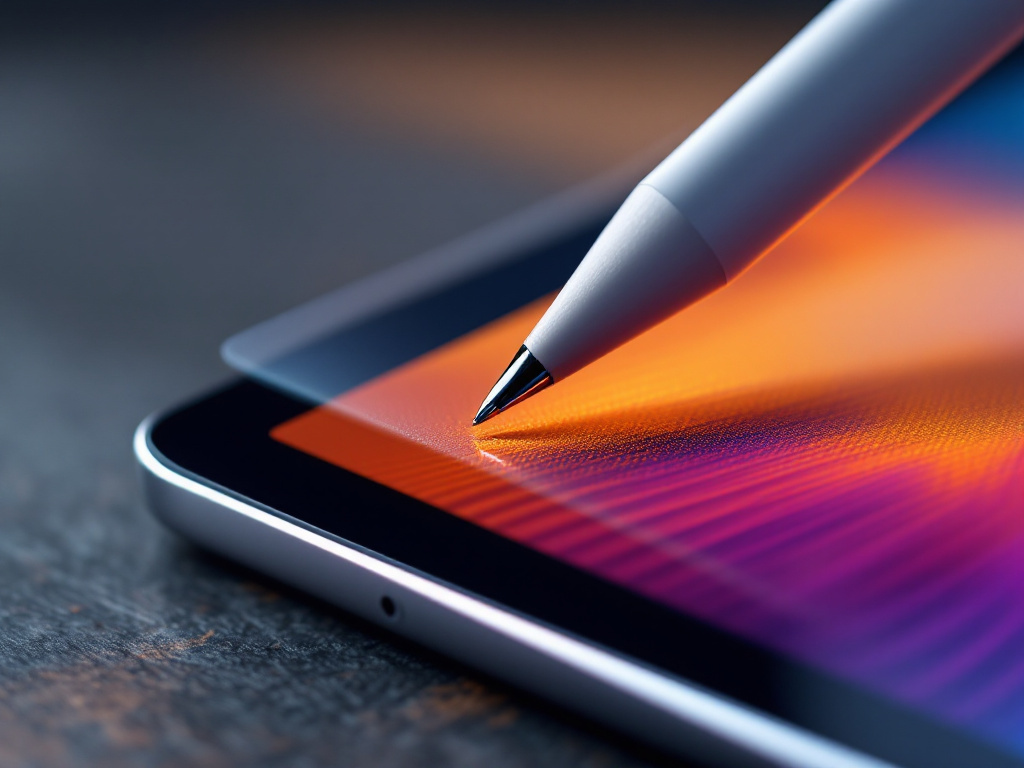
The MOBDIK Paperfeel is designed for a specific kind of iPad user: someone who draws, sketches, takes handwritten notes, or annotates documents with an Apple Pencil on a 13-inch screen. If you mostly stream video and scroll social media, a glossy glass protector or no protector at all might suit you better. But if you spend any real time with a stylus, the resistance and texture this film adds changes how the whole experience feels.
The matte finish also makes this a strong pick if you work near windows or under bright overhead lighting. The anti-glare surface suppresses both natural and artificial light, so you are not fighting reflections while you read or write.
Compatibility: Check Your Model Number First
Before anything else, verify your iPad model. The full listing, MOBDIK Paperfeel Screen Protector for iPad Air 13 & iPad Pro 13, covers a wide range of recent 13-inch models: iPad Air 13 M2 2024, iPad Air 13 M3 2025, iPad Air 13 M4 2026, iPad Pro 13 M4 2024, and iPad Pro 13 M5 2025. Compatible model numbers include A3461, A3462, A3464, A3268, A3269, A3271, A2898, A2899, A2900, A3360, A3361, A3362, A2925, A2926, and A3007.
One thing to pay attention to: this protector is not compatible with the older iPad Pro 12.9 from 2018, 2020, 2021, or 2022. The sizing is different. Go ahead and flip your iPad over and check the model number engraved on the back before you order, so you do not end up with a film that does not fit.
The Paperfeel Surface: What the Texture Actually Does
MOBDIK calls this a paper nanotechnology film. The surface uses micro-nano flexible particles to create friction and texture that mimics writing on paper. In practice, what that means is your Apple Pencil tip grips the screen rather than gliding across it frictionlessly. For handwriting and sketching, that resistance feels really nice. Letters and lines feel more deliberate, more controlled.
The film is ultra-thin PET material. That thinness matters because it keeps the screen’s touch sensitivity intact. You are not adding a noticeable layer of lag or dead zones. The response stays quick and accurate, which is what you want when you are doing anything precision-based with a stylus.
Anti-Glare and Fingerprint Resistance
The matte finish does two things well. First, it cuts glare. The matte surface makes a visible difference when you are near a window or working under fluorescent lights. Reading long documents or working through a bright afternoon becomes a lot more comfortable.
Second, the oil-proof coating resists fingerprints and smudges. A bare glass screen shows every touch immediately. This film keeps the surface looking cleaner between wipes, which matters when you are using a 13-inch screen as a primary work surface and you do not want to be constantly polishing it.
The trade-off here is worth knowing upfront: matte films reduce image sharpness and color vibrancy compared to bare glass. If you edit photos or watch a lot of video on your iPad Pro, you will notice the display looks slightly less crisp and saturated with this film on. That is the nature of any matte protector, not specific to MOBDIK, but it is a real trade-off to weigh.
Installation: Go Ahead and Take Your Time
The pack comes with installation tools and MOBDIK provides an instructional video, which is genuinely useful for a film this size. A 13-inch protector is large enough that small alignment errors become obvious. So, go ahead and clean the screen thoroughly first, removing any oil or dust before you start. The instructions make a point of this, and it matters. Any debris trapped under the film will show as a bubble or bump.
Align it carefully before pressing down. Once it is seated correctly, the installation is straightforward. The kit gives you what you need to do this without extra tools.
One note: large PET films can be trickier to apply perfectly than tempered glass options. PET is flexible, which helps it conform to the screen, but that same flexibility means it can shift slightly during application if you are not careful. Take your time, follow the video, and you should be fine.
The 2-Pack Value
Getting two films in one purchase is a practical benefit. Screen protectors get scratched and worn over time, especially matte PET films that see regular Apple Pencil use. The stylus tip drags across the surface repeatedly, and eventually that adds up. Having a second film ready means you are not placing another order the moment the first one shows wear. It is a reasonable value for regular stylus users.
Real-World Use: Where This Works Best
I use this on my iPad and the context where it earns its keep most is note-taking and sketching. Writing feels natural, like actual pen on paper rather than a stylus on glass. For annotation-heavy workflows, reading PDFs, or any kind of digital journaling, this film makes the experience feel less like using a device and more like using a notebook.
It also works well for anyone who uses their iPad in varied lighting conditions. The anti-glare coating earns its place if you regularly move between a dim room and a bright environment. You are not constantly adjusting brightness or tilting the screen to dodge a reflection.
Where it makes less sense: pure media consumption. If your iPad Pro lives on the couch and mostly plays video, the reduced color vibrancy is a downside with no corresponding upside. The paperfeel surface is built around stylus use, and if that is not your use case, a clear film or tempered glass might serve you better.
So, I like this one for what it is: a well-made, thin, matte film for a large iPad that takes Apple Pencil work seriously. Check it out if that describes how you use your tablet.
👍 Pros
- Paper-texture surface gives Apple Pencil users genuine resistance and grip, improving handwriting and sketching control
- Ultra-thin PET film retains full screen sensitivity with no noticeable touch lag
- Matte anti-glare finish makes the screen usable in bright lighting conditions
- Comes as a 2-pack, so you have a replacement ready when the first shows stylus wear
- Wide compatibility covers iPad Air 13 M2 through M4 and iPad Pro 13 M4 and M5
👎 Cons
- Matte finish reduces color vibrancy and display sharpness compared to bare glass, which affects video and photo work
- Large PET films require careful, patient installation to avoid misalignment or trapped dust bubbles
- Not compatible with older iPad Pro 12.9 models (2018, 2020, 2021, 2022), so model verification is essential before ordering
The scorecard
Paperfeel texture quality, ★★★★★ 4.5/5
Touch sensitivity retention, ★★★★★ 4.5/5
Anti-glare performance, ★★★★☆ 4.0/5
Installation ease, ★★★★☆ 3.5/5
Value for money, ★★★★★ 4.5/5
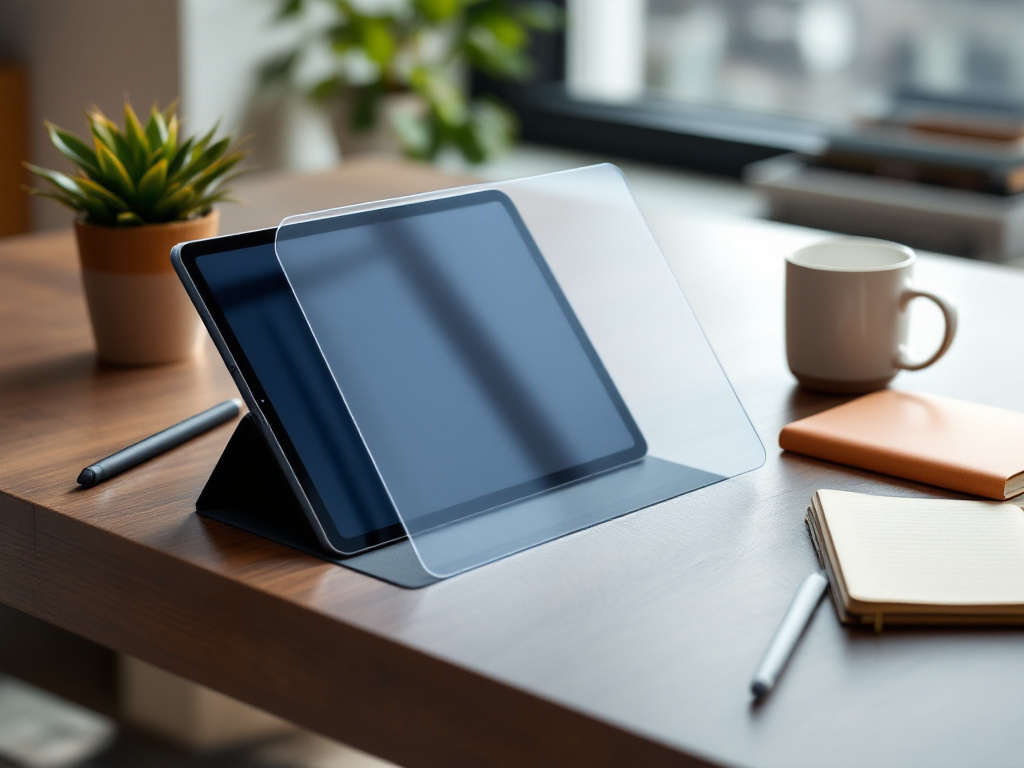
👉 A solid, well-priced matte film for 13-inch iPad owners who use an Apple Pencil regularly and want a paper-like feel without sacrificing touch sensitivity.
Frequently asked questions
Is the MOBDIK Paperfeel Screen Protector compatible with the iPad Pro 12.9?
No. This film is designed for 13-inch models only: iPad Air 13 M2 2024 through M4 2026 and iPad Pro 13 M4 2024 and M5 2025. It is not compatible with iPad Pro 12.9 from 2018, 2020, 2021, or 2022. Check your model number on the back of your iPad before ordering.
Will this screen protector affect how my Apple Pencil performs?
The ultra-thin PET film is designed to retain the screen’s original touch sensitivity, so Apple Pencil response should stay quick and accurate. The matte texture adds surface resistance that many stylus users prefer for handwriting and drawing control.
Does the matte finish make the display look worse for video?
Yes, that is a real trade-off. Matte films reduce color vibrancy and sharpness compared to bare glass. If you primarily use your iPad for video streaming or photo editing, you will notice the difference. This film is optimized for writing and drawing use cases, not display quality.
How difficult is the installation on a 13-inch iPad?
MOBDIK includes installation tools and an instructional video. The large size means alignment takes some care, and the screen must be completely clean of dust and oil before you start. Following the video closely and taking your time gives you the best result. PET film is forgiving in that it is flexible, but it does require patience on a screen this size.
Why does this come as a 2-pack?
Matte PET films that see regular Apple Pencil use will eventually show scratches and surface wear from the stylus tip dragging repeatedly across the same area. A second film means you have a direct replacement ready without placing another order. For active stylus users, this is a practical benefit.
About the reviewer
Jarrett Dottin
Licensed Occupational Therapist dedicated to helping others live their best lives. Certified lymphedema therapist and amazon affiliate who has tested over 1,000 different products.