

Reviewed by
Jarrett Dottin
Licensed Occupational Therapist dedicated to helping others live their best lives. Certified lymphedema therapist and amazon affiliate who has tested over 1,000 different products. About JD →
As an Amazon Associate I earn from qualifying purchases. Some links on this site are affiliate links, if you buy though them I may make a commission at no extra cost to you.
Quick Verdict
The keys click against the aluminum body in a way that’s flat out satisfying, and the gasket mount softens every press. This LEOBOG HI98C Pro wireless board is heavy enough to stay put on my desk, which is exactly what a clumsy typer like me needs.
Buy if you:
- Want hot-swap switches you can change without soldering
- Bounce between a laptop, desktop and tablet during the day
- Like a full-size layout with a real number pad
- Want RGB you can sync to music and adjust on the fly
Skip if you:
- Want a light, slim board, this aluminum chassis is hefty and won’t slide easily into a bag
- Need a compact 60% for a tiny desk
- Don’t want to install driver software to fully customize macros
Clicking takes you to the seller's website. We may earn a small commission if you purchase, at no extra cost to you.
The Pro Wireless Click Got Me First
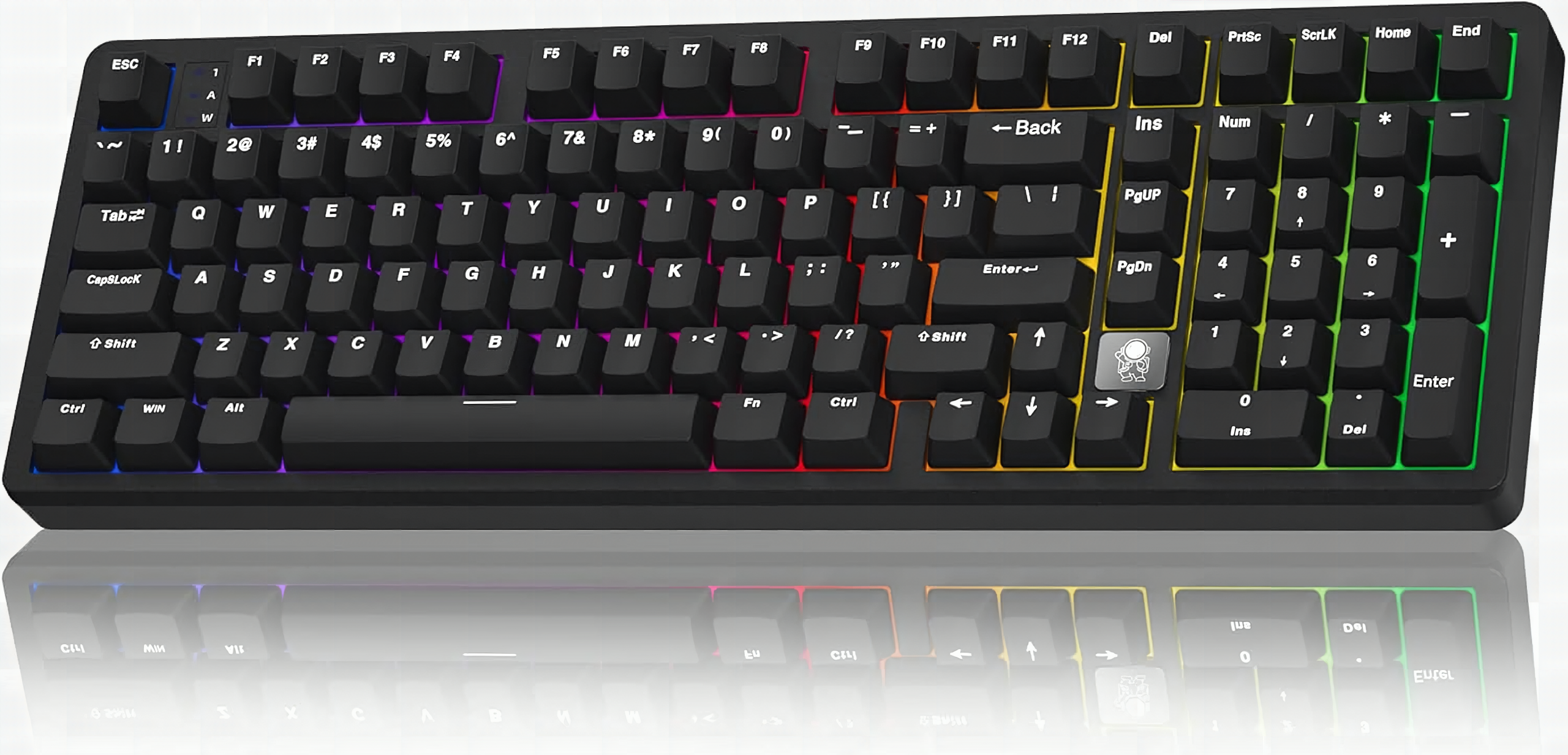
I pulled the HI98C Pro from the box and pressed a single key, the click was so sharp and clean it made me stop unpacking everything else. The buttons are extremely clicky and there’s a real satisfaction when you hear and feel the keys press against the board. If you’re hunting for a pro wireless mechanical keyboard that feels good every single keystroke, the LEOBOG HI98C Pro earns the title in the video. You can grab it on Amazon here if you want to skip ahead.
What’s Actually Inside the HI98C Pro
Full-size aluminum chassis with a number pad, tri-mode wireless, and hot-swap switches you can change without soldering. It runs tri-mode: USB-C wired, 2.4G wireless and Bluetooth 5.0, and it saves up to 5 devices so you can flip between a laptop, MacBook, desktop or tablet. Under the keys there’s a gasket mount with a five-layer sound dampening stack and pre-lubed white dragon linear switches. Full-key hot-swap means you can pull switches and drop in new 3-pin or 5-pin ones without ever touching a soldering iron.
Typing On It Day To Day
The gasket mount is the first thing you notice after the click itself, each keystroke lands with a springy give instead of the hollow, hard-bottomed thud you get on budget aluminum boards. That five-layer dampening stack earns its spec sheet mention: the cavity noise that makes cheap full-size boards sound like typing on a biscuit tin is basically gone. I love how heavy it is. It won’t shift around the desk and knock anything over, which I’m prone to do. Switching between my laptop and desktop over Bluetooth was a quick shortcut away, no re-pairing dance every time.
It’s Heavy, And That Cuts Both Ways
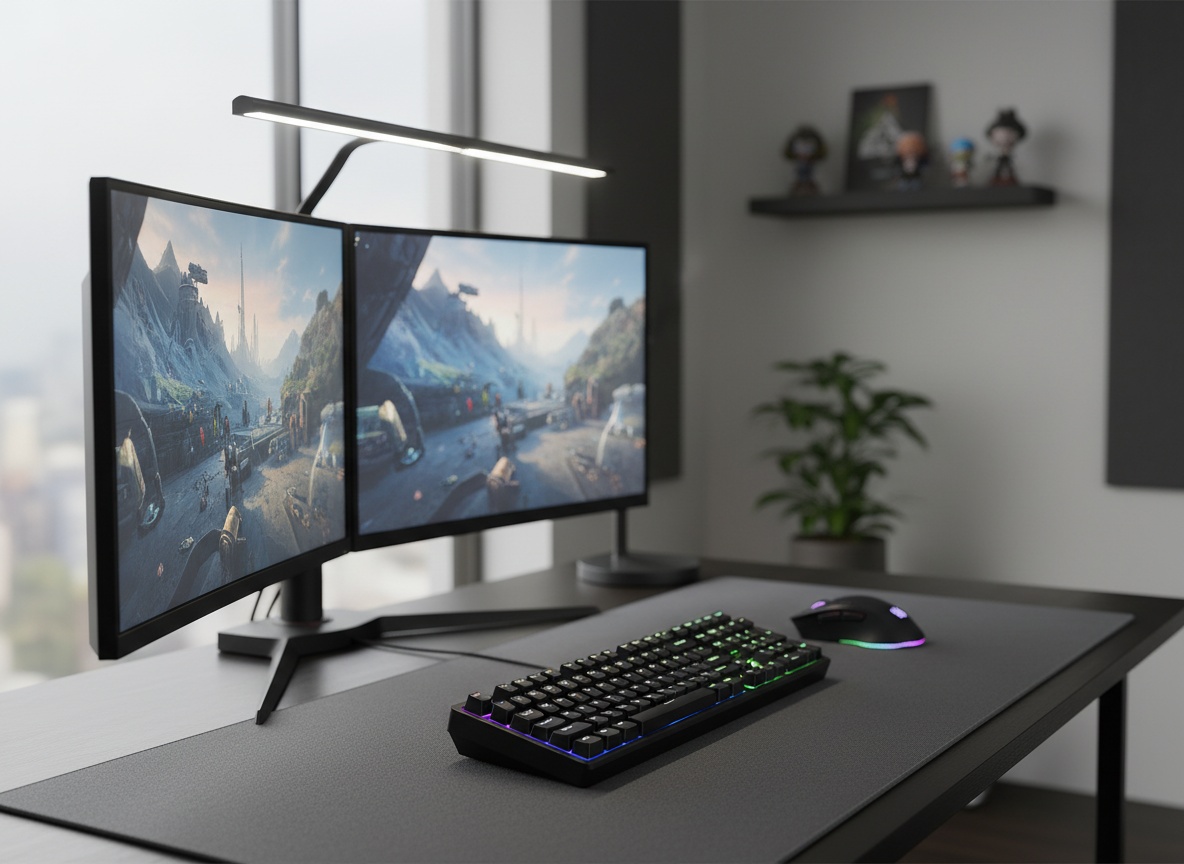
The aluminum body is the reason this thing feels premium, but it’s also the catch. This is not a board you toss in a backpack and carry between coffee shops. It plants itself on the desk and stays there, which I want at home, but anyone hoping for a travel keyboard should look elsewhere. And to unlock the full macro and lighting customization you’ll need to install the driver software, not everything lives on shortcut keys.
Get it now
LEOBOG HI98C Pro Wireless Keyboard
Get the best price on Amazon →As an Amazon Associate I earn from qualifying purchases. Some links on this site are affiliate links, if you buy though them I may make a commission at no extra cost to you.

Who This Keyboard Fits Best
The sweet spot is a stationary desk where you split time between work and gaming, the number pad handles spreadsheet work during the day, and plugging in USB-C gives you the low-latency wired mode when a competitive session starts. Hot-swap support makes it especially useful if you already have a drawer of switches you want to try, since the whole board becomes a test bench you actually want to type on. If your desk is permanent and you care how a keyboard sounds and feels, this is the one to beat at this price. You can check current pricing on Amazon to see where it lands.
A Few Tips Before You Order
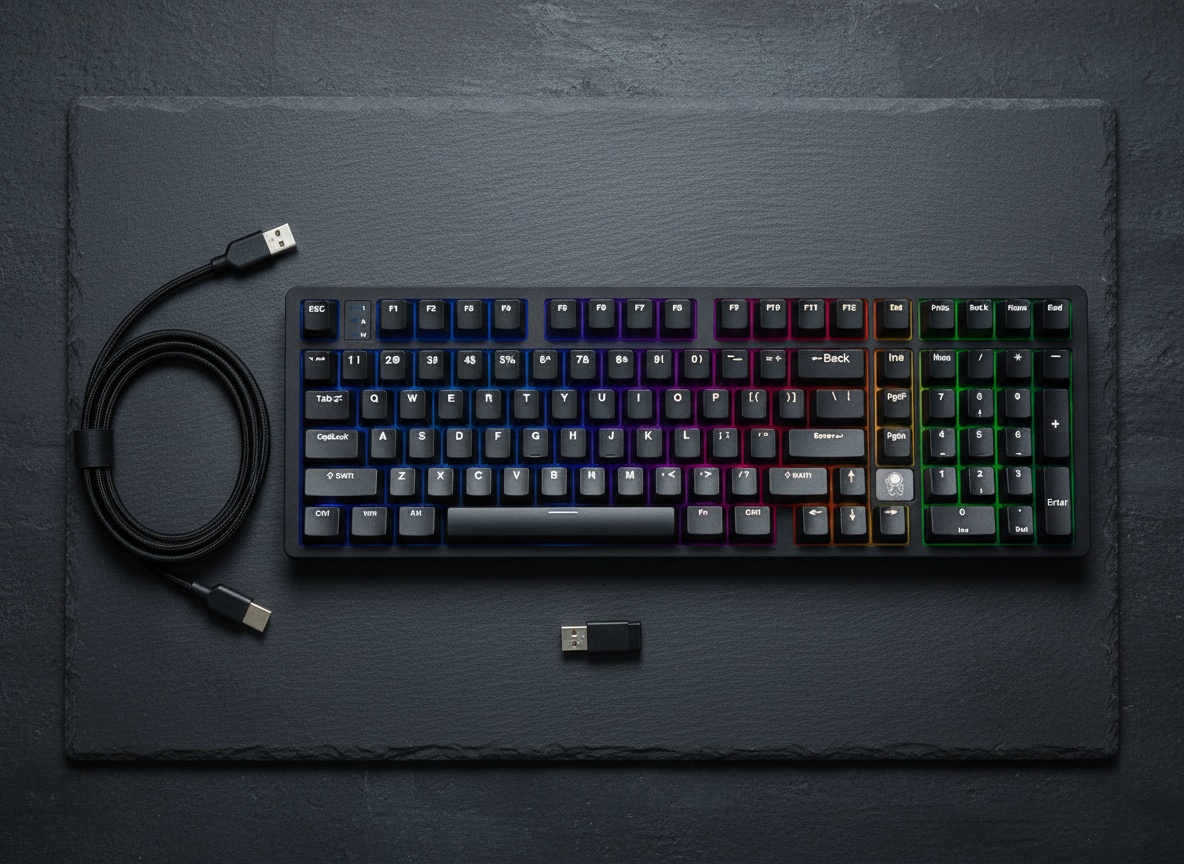
Download the driver software early so you’re not fighting shortcut combos to set up macros and RGB. Decide upfront whether you want to swap in your own switches, since the hot-swap support means you can dial in the exact feel and sound you like over time. And clear desk space, this is a full-size board, not a compact one. The one thing I’d warn you about upfront: the driver software is a download-and-install, not a web app, so factor that in if you’re on a locked-down work machine. Everything else, the typing feel, the wireless switching, the hot-swap, works exactly as advertised straight out of the box.
Pros
- Satisfying clicky keys with a smooth texture
- Heavy aluminum chassis that stays put on the desk
- Gasket mount and five-layer dampening soften the typing feel
- Tri-mode connectivity saves up to 5 devices
- Hot-swap switches with no soldering required
Cons
- Too heavy and bulky to travel with
- Full customization needs the driver software installed
- Full-size footprint eats up desk space
Frequently Asked Questions
Does the HI98C Pro work with Mac and tablets?
Yes. It supports Windows, Mac, iOS and Android, so it pairs with MacBooks, desktops and tablets. You can save up to 5 devices and switch between them with a shortcut.
Do I need software or an account to use it?
No account is needed to type. You only need the driver software if you want to program macros, remap keys or fine-tune the RGB lighting. Basic lighting changes work through shortcut key combinations.
Can I change the switches without soldering?
Yes, it’s full-key hot-swappable. It accepts most 3-pin and 5-pin switches, so you can pull and replace them by hand to change the feel and sound. No soldering iron involved.
Is the wired mode good for gaming?
Yes. The USB-C wired connection is the low-latency mode aimed at PC gaming. If you want the snappiest response, plug in wired; the 2.4G and Bluetooth modes are there for a cleaner, cable-free desk.
Will it work over Bluetooth and 2.4G at the same time?
It runs one connection mode at a time across its three options. The benefit is the device memory, it stores up to 5 paired devices so you can hop between them quickly without re-pairing each one.
How loud is it for an office?
The pre-lubed linear switches and five-layer dampening keep it cleaner sounding than a typical clicky board, but it still has that satisfying keystroke. If you share a quiet office, the hot-swap design lets you drop in quieter switches later.
Does it use custom keycaps?
Yes, it’s compatible with custom keycaps along with most aftermarket switches. That makes it a strong base if you like building out an exclusive, personalized board over time.
Is this a good first hot-swap keyboard?
It’s a reasonable starting point if you want to learn switch swapping without soldering. You get a finished, satisfying board out of the box and the room to experiment whenever you’re ready.
Get it now
LEOBOG HI98C Pro Wireless Keyboard
Get the best price on Amazon →As an Amazon Associate I earn from qualifying purchases. Some links on this site are affiliate links, if you buy though them I may make a commission at no extra cost to you.
About the reviewer
Jarrett Dottin
Licensed Occupational Therapist dedicated to helping others live their best lives. Certified lymphedema therapist and amazon affiliate who has tested over 1,000 different products.